



Latest Version
Best Game Studio
Media
Windows
Free
9ntmj8b64f71
Report a Problem
More About Video Player - Movie Player
An All-in-One Media Hub for Your Windows Desktop
If you are tired of switching between different applications just to watch a film, listen to an album, and make a quick edit to a video clip, Video Player - Movie Player by Best Game Studio might be the exact solution you need. Instead of cluttering your Windows PC with multiple heavy programs, this lightweight media utility combines three essential tools—a high-definition video renderer, a clean audio organizer, and a basic video trimmer—into a single, unified interface.
Smooth Playback with the Video Player - Movie Player
The core strength of the Video Player - Movie Player lies in its versatile playback engine. It eliminates the frustration of format incompatibility by supporting an extensive list of extensions right out of the box, including MP4, AVI, MOV, WMV, M4V, ASF, 3GP, and 3GP2. Whether you are streaming a family video or watching a feature-length film, the app ensures stutter-free, high-resolution playback.
Standout Video Features:
- Continuous Playback: Queue up multiple files and watch them sequentially without manual intervention.
- Precise Speed Controls: Speed up or slow down playback to review details or skim through long lectures.
- On-Screen Gestures: Adjust volume, screen brightness, and playback progress using intuitive slide controls directly on the viewing window.
- Orientation Corrections: Quickly rotate or flip videos that were recorded sideways.
Integrated Music Player and Media Library
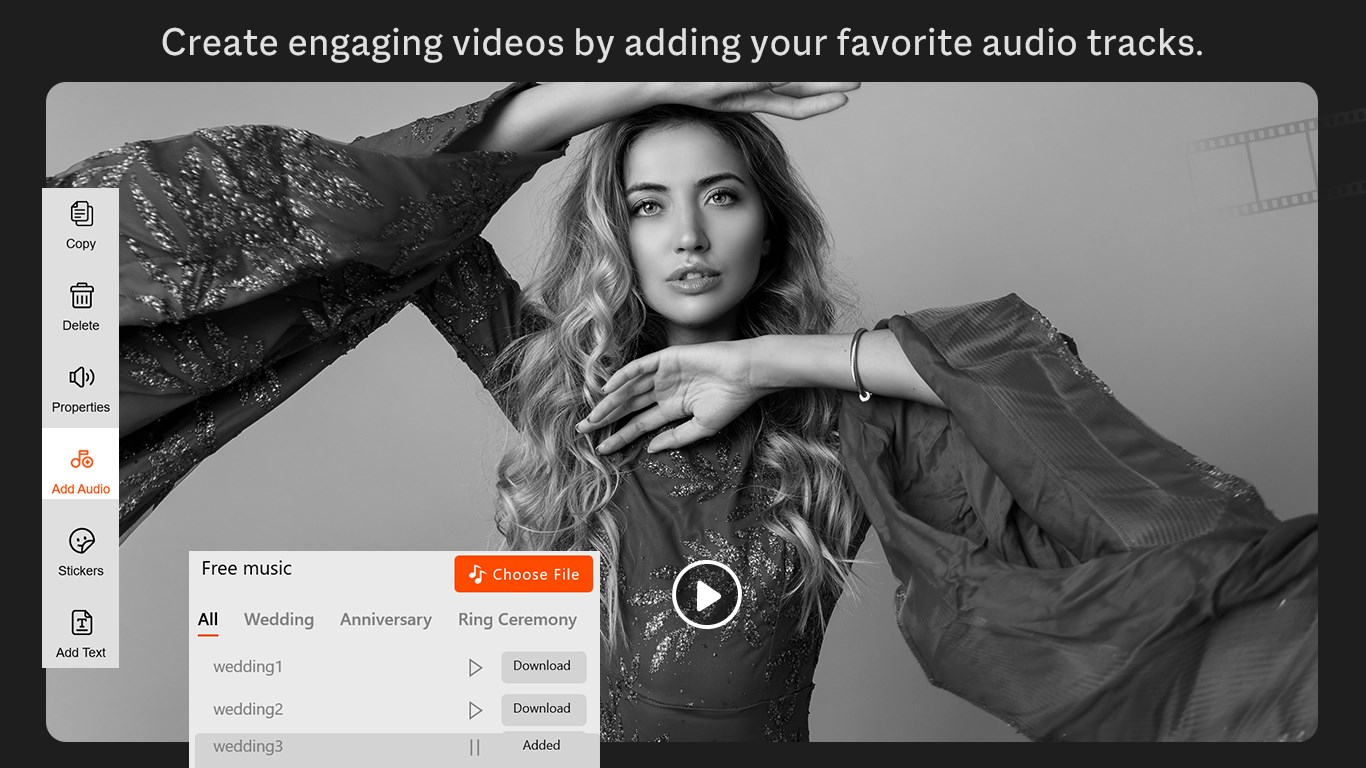
Beyond visual media, the application serves as a capable audio companion. The built-in music player automatically categorizes your local audio files, allowing you to browse your collection by songs, albums, or artists. You can easily build custom playlists for your daily workflow, enjoying seamless audio transitions and straightforward skip, pause, and volume controls.
Quick Edits with the Movie Maker Module
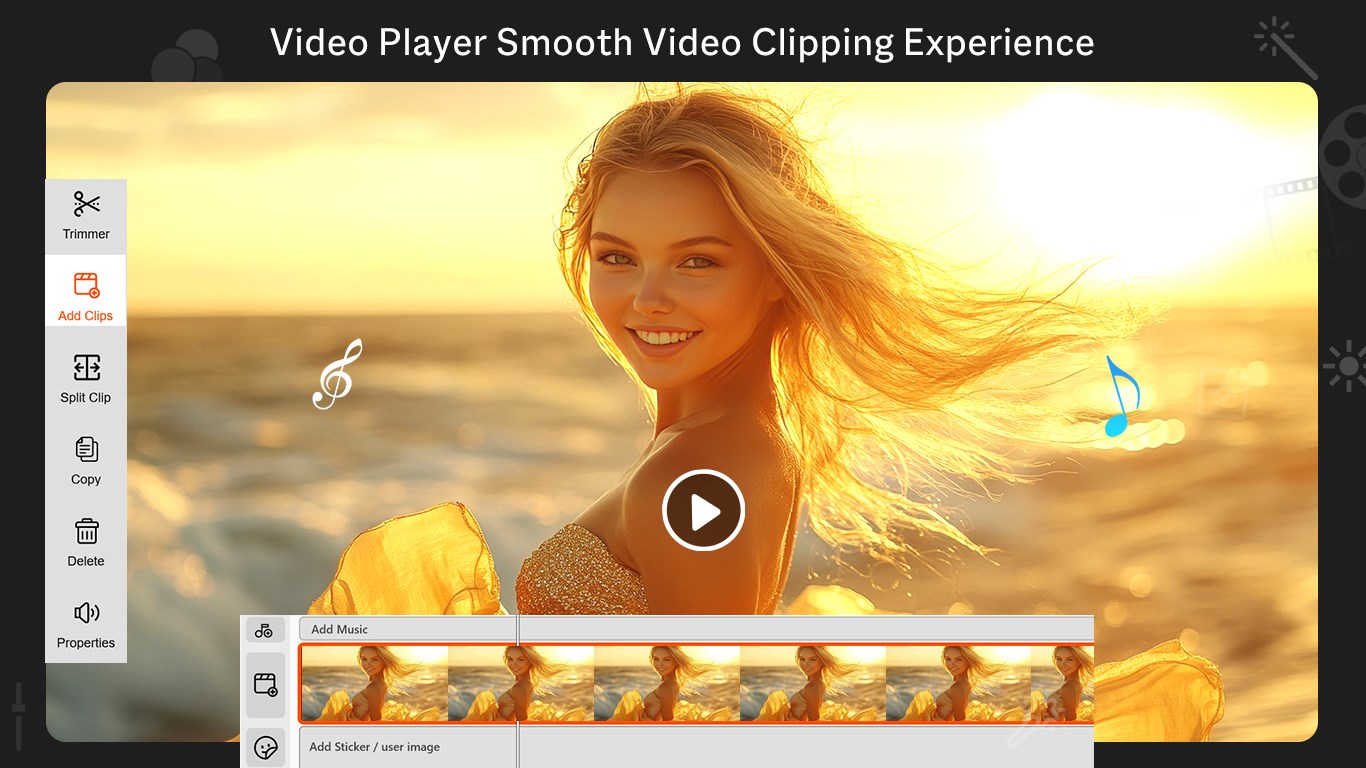
For users who need to make rapid adjustments to their video files without launching complex, professional editing suites, the included Movie Maker tool is incredibly convenient. It offers basic editing functions that let you trim unwanted footage, cut specific segments, and combine different video clips. It is perfect for cleaning up phone recordings before sharing them with friends or saving them to your archive.
Who Is This Media Suite For?
This software is highly recommended for Windows users who value simplicity and efficiency. If you want a dependable, no-nonsense application to handle everyday media consumption, organize your music library, and perform occasional basic cuts on your video files, this utility delivers excellent utility without system slowdowns.
To experience this streamlined media solution for yourself, head over to the official Microsoft Store to download the Video Player - Movie Player and upgrade your desktop entertainment experience.
Rate the App
User Reviews




Popular Apps










Editor's Choice