
Latest Version
Thiago Fernandes
Security
Linux
Free
io.github.tobagin.keysmith
Report a Problem
More About Keymaker: SSH Key Management Made Simple for Linux
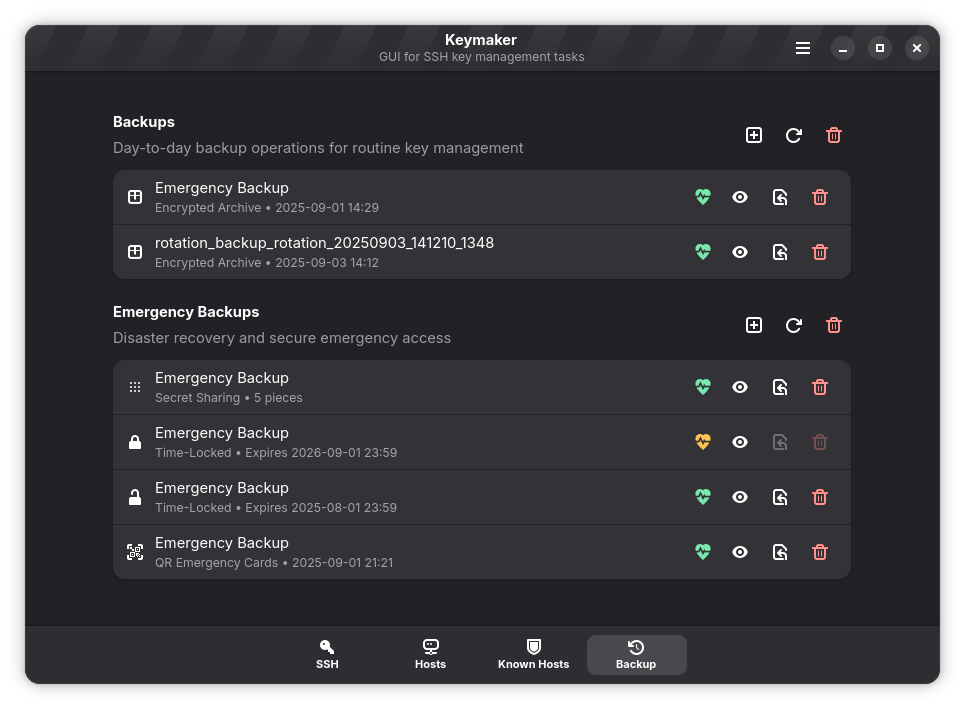
Picture this: you are setting up a brand-new remote server, and it is time to configure secure access. Instead of opening a terminal, typing out complex cryptographic commands, and manually copying public keys with the risk of formatting errors, you simply open a clean, modern desktop app. This is the exact workflow offered by the Keymaker SSH key manager, a dedicated security utility designed for Linux environments.
What is Keymaker?
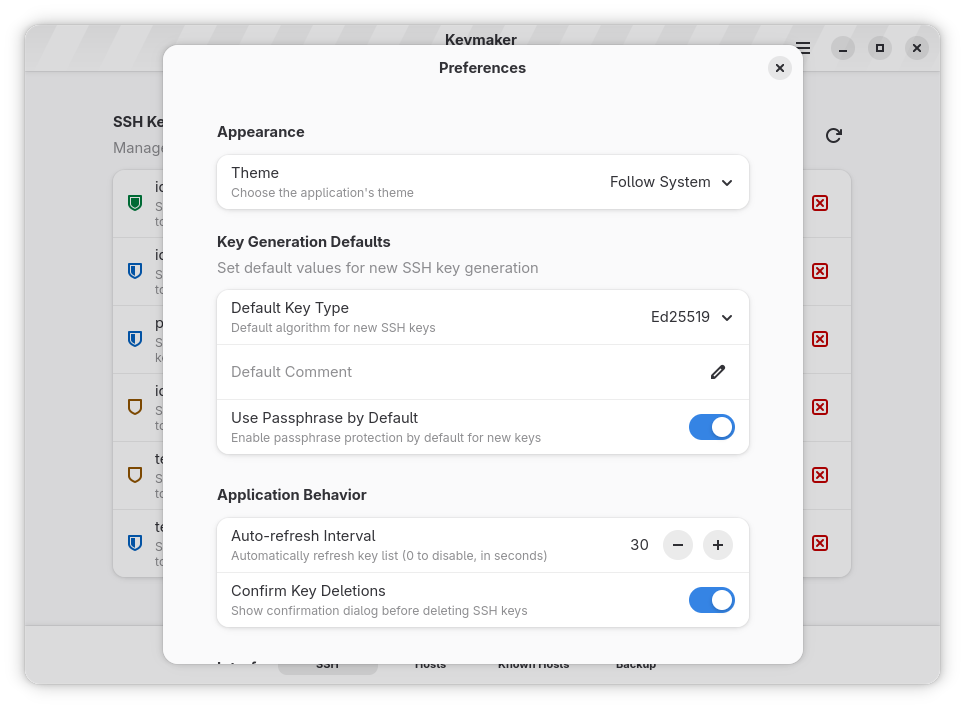
Developed by Thiago Fernandes, Keymaker is an elegant open-source application built specifically for the GNOME desktop environment. It serves as a graphical control center for your SSH credentials. Rather than wrestling with command-line arguments to generate, update, or export keys, this utility brings all of those essential functions into a highly intuitive visual interface.
Key Features of the Keymaker SSH Key Manager
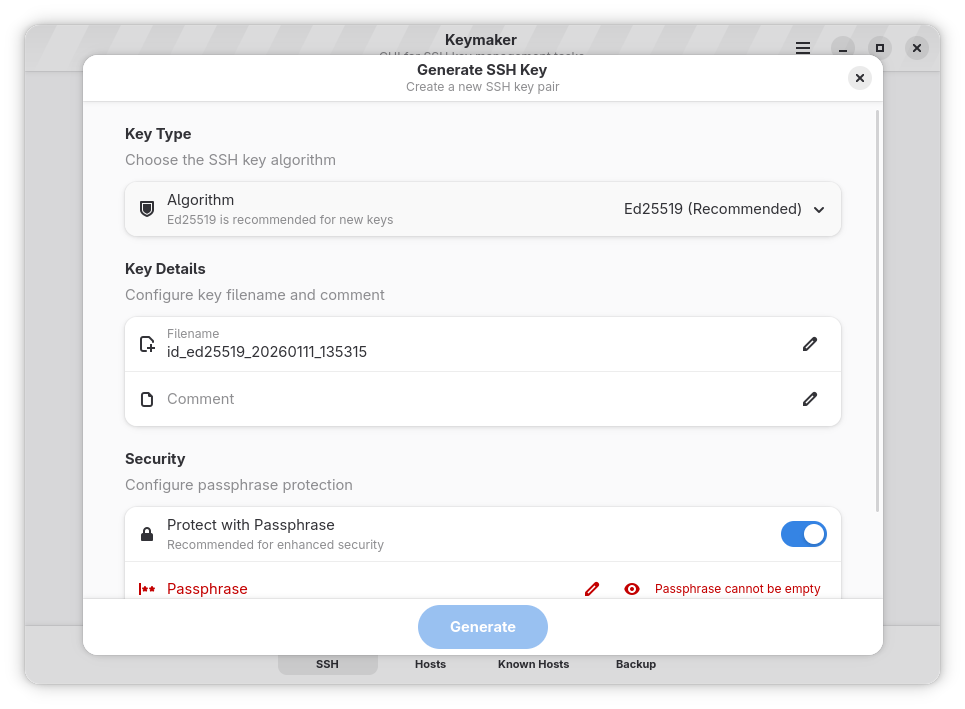
- Flexible Key Generation: Quickly create new cryptographic keys using modern standards, including Ed25519, RSA, and ECDSA.
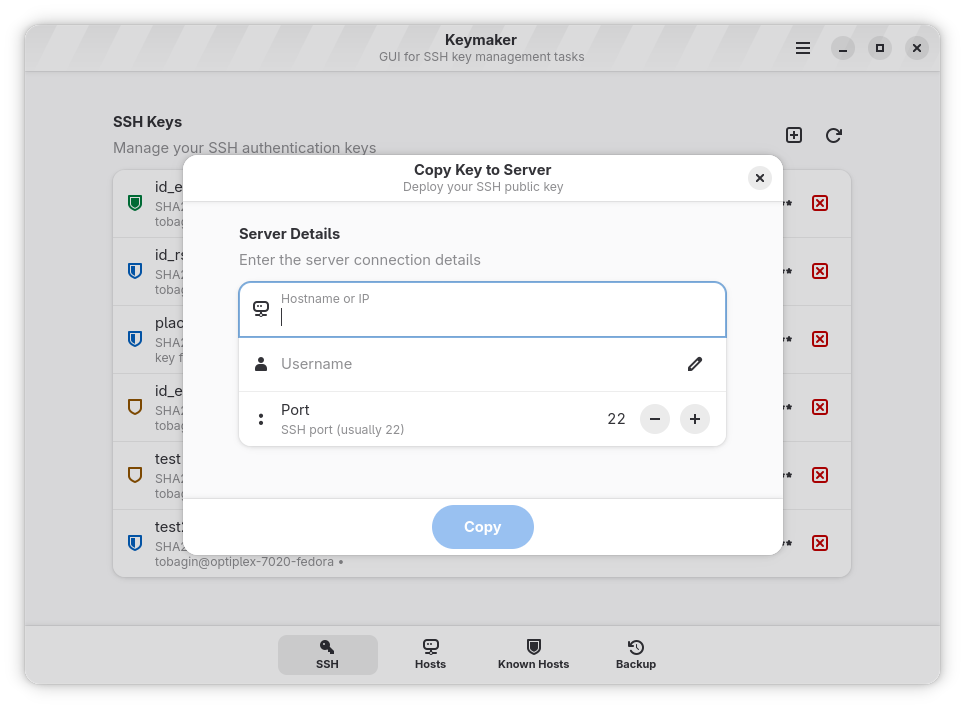
- Direct Remote Deployment: Effortlessly push your newly created public keys directly to remote servers without leaving the application.
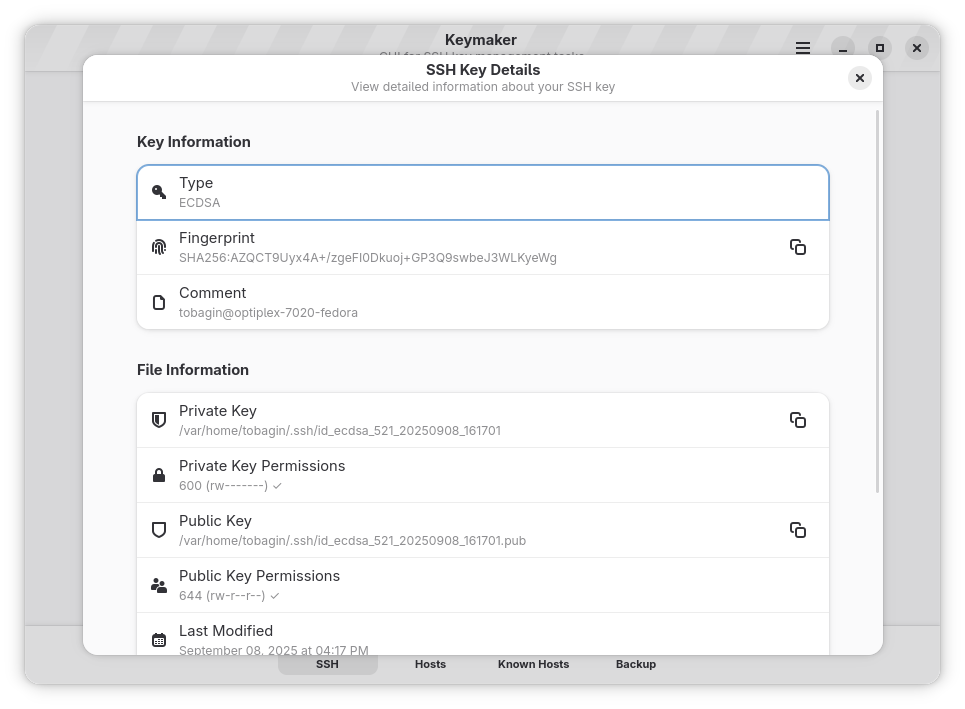
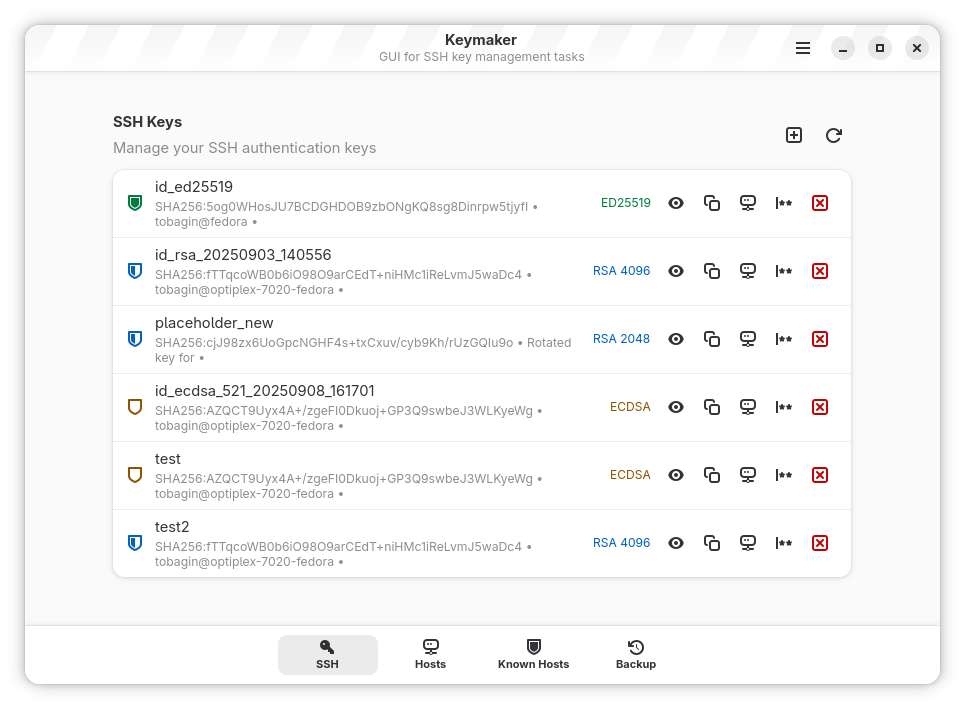
- Local Directory Management: View, organize, and inspect all the existing keys stored in your local directory from one centralized dashboard.
- Passphrase Updates: Securely change or update your key passphrases whenever security policies require it.
- Clipboard Integration: Copy your public keys to your clipboard with a single click for fast sharing.
- Secure Erasure: Safely delete unused or compromised keys to keep your local environment clean and secure.
Who is This Security Tool For?
The Keymaker SSH key manager is perfect for software developers, system administrators, and Linux enthusiasts who value their time. While power users are comfortable with the terminal, having a dedicated GUI minimizes errors, speeds up deployment workflows, and provides a clear visual inventory of active credentials. If you find yourself frequently managing multiple keys for GitHub, GitLab, or cloud VPS hosting, this tool simplifies your daily routine.
Streamline Your Linux Workflow
By bridging the gap between advanced security protocols and user-friendly design, the application ensures that keeping your remote connections secure does not have to be a chore. It respects system defaults while providing a modern, native GNOME aesthetic that feels right at home on modern Linux distributions.
To try this utility yourself and simplify your credential management, visit the official Flathub store page to get started with Keymaker today.
Rate the App
User Reviews

Popular Apps










Editor's Choice